.svg)
.svg)
.svg)
If a new laptop, desktop or server is quoted higher than you expected this year, you're not imagining it. Computer prices are rising across the world and in New Zealand for reasons outside any supplier's control.
Here's why, whether it's likely to ease, what it means for your budget, and answers to typical questions we get about what might help you, or might not.
GTB works with clients when they want it, to help plan and get the best from their investment in IT - here's one client case study as an example.
Why are computer prices rising?
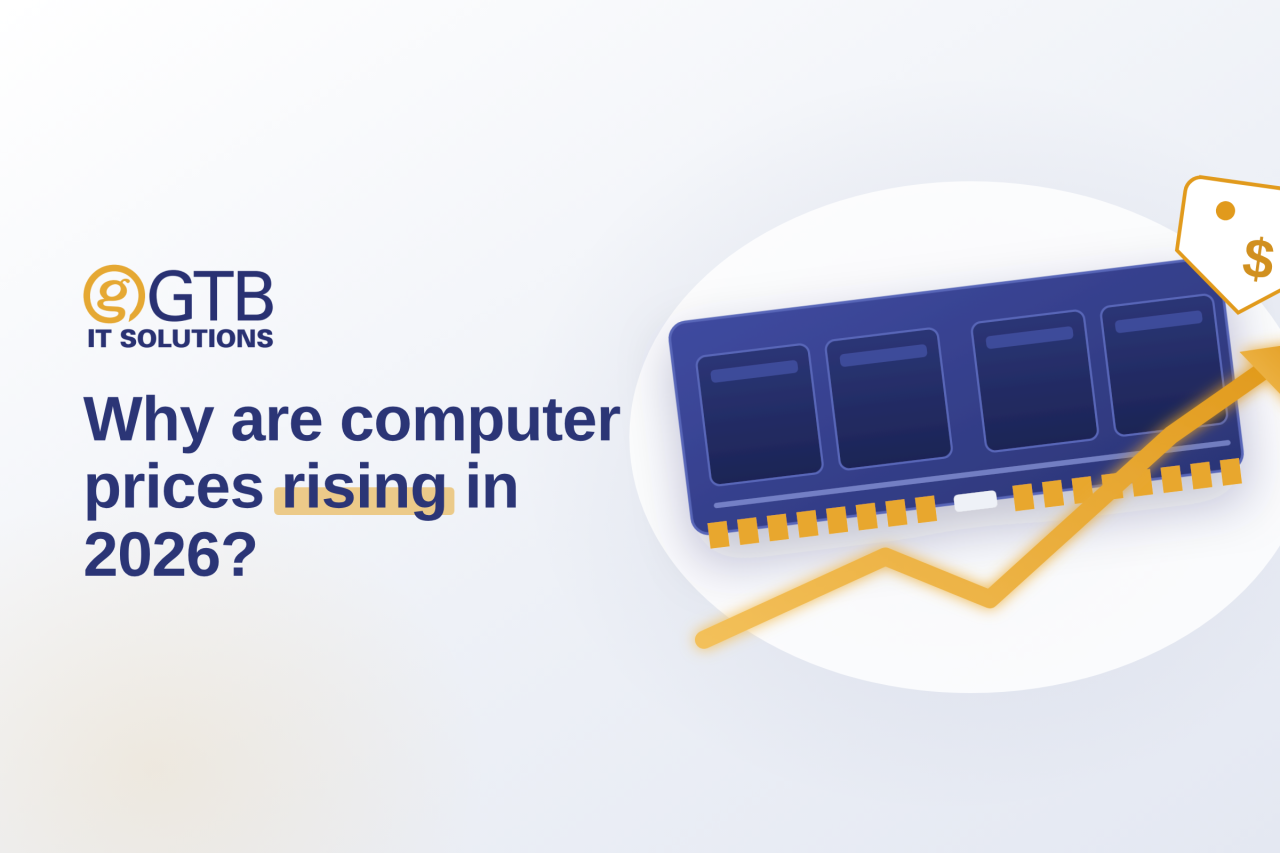
The short answer: the AI boom is eating the world's supply of memory chips.
Every computer has two kinds of memory: RAM, used while running, and permanent storage, which holds your files. Storage mostly comes in two types — SSDs (built from memory chips) and HDDs (spinning hard drives). AI data centres need enormous quantities of the same memory chips used in RAM and SSDs, and chip manufacturers are shifting factory capacity to meet that high-margin demand — leaving less for everyday laptops, desktops and servers.
It's a genuine shortage, not a pricing exercise. Gartner and IDC have tracked memory chip prices rising sharply through 2026. The NZ industry has seen some components up several hundred percent over the past year. We're seeing it directly. SSDs for a server we're pricing right now have gone up more than 500% from a year ago — enough on its own to more than double the server's total cost. And availability is poor, too.
Fortunately while the price of desktops and laptops is up, it is a lot less as a percentage, because the RAM and SSD components are only a part of the total price.
Will computer prices come back down?
Not soon.
New chip factories take years to build, and the ones already under construction aren't expected to meaningfully ease supply until 2028.
Will the AI and data centre demand continue? Yes, quite likely.
We've seen reports from the US in particular about large numbers of data centre build projects being delayed or cancelled. This is often because of local opposition and power grid limits — reporting through 2026 puts well over $100 billion of projects affected. That's real friction. Analysts tracking it closely still call this project-specific delay, not a drop in demand. We've read predictions that the AI boom is a bubble ready to burst. Well, we don't know the answer to that one!
A few analysts have also noted the pace of price rises cooling. That's demand hitting an affordability ceiling on the consumer side, not supply catching up — from what we can see, prices are still rising, just more slowly.
Should you delay buying a new computer?
Generally, no — for two reasons.
First, waiting rarely saves money here — prices are more likely to keep climbing than drop, and specs may keep shrinking at the same price. Second, running a machine past the point it's struggling costs more in lost time and frustration than most people expect.
Our long-standing advice still holds. For standard office based business people, expect and budget to replace your PC every 4-5 years. For laptops, a little more often on average. Generally, if they get older than this, they will be slow and cause more problems for the user (and perhaps cost for you).
Further, how critical is this PC, or the person using it? What happens if it fails, causes problems or just gets slower? How much is its performance actually costing you? An ageing PC that is only occasionally used for web research is a different call to a project manager's laptop that's visibly hurting output.
Finally, old PCs can be security risks to your entire operation. For example, you should not have Windows 10 PCs connected to your network or important data.
Should I buy PCs with lower specs to save money?
Generally, no — for most people.
Cutting the memory and storage saves some money upfront. It might suit a narrow group of light users: someone doing email and basic web browsing only, on a machine that's rarely under load. For the average office or mobile worker, it's a false saving.
GTB's standard recommendation for business use is 16GB RAM and a 512GB SSD as a minimum. That's not an arbitrary number — it's set from what we actually see in support tickets. Older PCs and those specified below this tend to generate complaints about slowness or running out of disk space.
Buying below that minimum to save money now tends to cost more later, in support time, frustration, and often an earlier replacement than planned.
Software keeps demanding more from hardware — each new version of Windows, Microsoft 365 and your everyday business software expects more than the last. A machine coping fine today may struggle within a year or two, through no fault of its own.
Most GTB clients get their hardware through us - and we make sure they get what they need for a good price.
If you are buying your own hardware, be careful to understand what you are getting. Sometimes we see people buying on sticker price and with specs that seem ok. Once they get it they realise it doesn't meet their needs, or requires replacement much earlier than they expected.
It can be worth buying a better machine now since higher spec machines tend to last longer. Stepping up to a Core 7 PC with extra RAM and storage is one example. It stretches the replacement cycle which lowers the overall across the machine's lifetime and can help with 'hand-me-down' programs - see below.
Do you actually need SSDs everywhere?
Not always — and this is where real savings are hiding for servers and storage requirements.
HDDs haven't been hit by the chip shortage the way SSDs have. Where speed doesn't matter as much, staying on HDDs sidesteps much of the price rise.
We're advising exactly this on the server quote mentioned above. SSDs would have added well over 100% to the total build cost. When we dug into it we found the client's work application and other day-to-day use don't need SSD speed. While SSD speed would be "nice"; is it a justified extra at these prices? We've recommended HDDs instead — same reliable storage, without paying for speed that's isn't needed.
The same thinking applies to NAS storage and any machine where the job is storing files, not running demanding software.
Is moving to the cloud a way around this?
Not entirely; consider total costs — the providers behind cloud hosting are under the same pressure.
This section is aimed at businesses in the GTB target market (up to 100 users) running work applications that need servers and/or lots of storage, and especially those with multiple sites.
Data centres run on enterprise-grade RAM and SSDs, and demand for that class of hardware looks at least as strong as for standard PC parts. As their own equipment comes up for replacement, providers absorb the same chip shortage costs.
Large providers such as AWS, Azure and Google buy hardware on long-term contracts, which cushions them for now.
Smaller, regional providers — the scale most NZ businesses deal with — buy closer to the open market, so a shortage reaches their costs faster. Two comparable European providers, Hetzner and OVHcloud, have already raised cloud and dedicated server prices by 15–37% this year. We haven't found published NZ pricing data. The same dynamic should still apply here.
Ask us about the pros and cons of using a data centre for your situation. Disclosure - we don’t have millions of dollars tied up in data centre ownership. Remember, if you are comparing, to look at the total cost of ownership across the life of server hardware - that upfront investment for a server can save you money across its 5-year life and still deliver security, reliability and ease of ownership with a GTB managed service.
Is it worth passing older PCs down to less demanding users?
Sometimes, yes — with one caveat worth weighing up first.
Redeploying a capable, ageing PC to someone with lighter needs spreads the cost of a new purchase and keeps useful life out of landfill. This is especially true where the older computer was a superior model at the time of purchase.
The less clear-cut part is the labour: migrating data and re-provisioning costs time, and for a single reassignment that cost can outweigh the saving. Get in touch about your situation and we can give advice. We do quite a few of these 'hand-me-downs' where the circumstances make it worthwhile, especially so where doing several new computers and migrations can be done at the same time.
What should Kāpiti, Wellington and Horowhenua businesses do now?
Budget for higher computer prices through 2026 and 2027.
Plan replacements on criticality and performance, not price-chasing or waiting out the market.
For servers and similar, check whether SSD speed is actually needed.
If some of your people would be fine with a slower machine, consider 'hand-me-down' in tandem with a new purchase.
Are you already in the cloud and noticing the costs? Weigh against a server with a full managed service to make it both safe and easy.
For GTB SureIT clients, we'll be updating and sending you an annual IT Roadmap between October to December, which will include a list of your computers with their suggested replacement dates for your budgeting/planning.
We help clients across the region weigh up exactly these trade-offs as part of ongoing IT support. Get in touch if you'd like to talk.
Quick Answer
Will RAM and SSD prices go back down soon? Unlikely before 2027, and possibly not until 2028. The shortage is driven by AI data centre demand for memory chips, and new factory capacity won't meaningfully ease that until new plants come online. Some data centre projects are being delayed by local opposition and power constraints. Overall AI infrastructure spending is still growing, though, so this hasn't eased chip demand yet. Recent months have shown price rises slowing slightly — that reflects buyers hitting an affordability limit, not supply catching up.